iPhone Case Canva Template: Your Shortcut to Custom 16 Series Designs
More Than a File: A Design System for Entrepreneurs
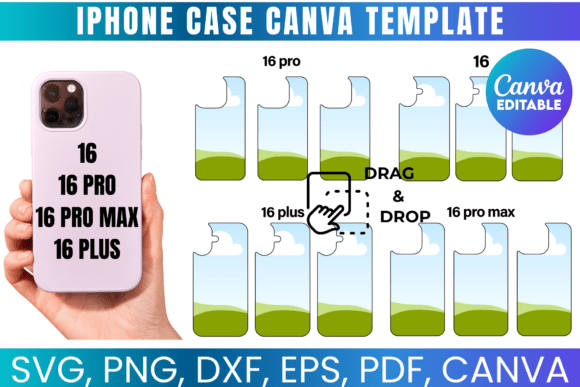
Creating a professional-looking iPhone case from scratch requires more than just a good idea. You need precise dimensions, bleed areas, and a file format that plays nicely with both design software and physical printers. This is where a well-built iPhone Case Canva Template for the new 16 series becomes an indispensable design asset. It's not merely a shape; it's a pre-configured canvas that eliminates guesswork, allowing you to focus entirely on the creative process. Think of it as the foundational framework for your product line, whether you're crafting a one-off gift or building inventory for an online store.
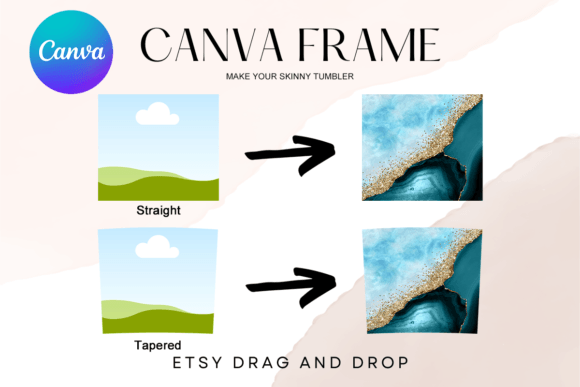
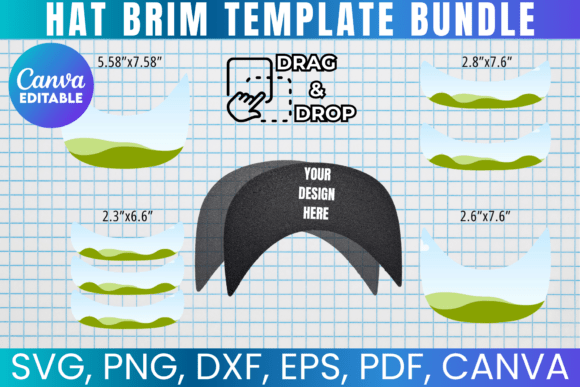
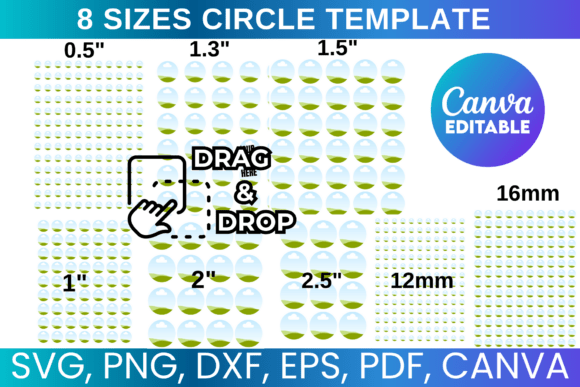
The true value lies in its versatility. The provided package typically includes an SVG for vector-based cutting machines like Cricut and Silhouette, a PNG with a transparent background for layering in Photoshop, a DXF for Silhouette's native software, and a PDF with a solid background for traditional print proofing. The inclusion of a Canva link is a game-changer for those who prefer a drag-and-drop interface. This multi-format approach means you're never locked into a single piece of software. You can design in Canva for its simplicity, then refine the vector paths in Inkscape or CorelDraw for ultimate control before sending it to a sublimation printer.
Practical Applications: From Etsy Shops to Corporate Gifts
The applications for a customizable phone case template extend far beyond personal hobbies. For small business owners and entrepreneurs, this is a low-overhead method to create branded merchandise. Imagine designing a case with your company logo and tagline for client gifts or employee onboarding kits. The consistency in brand identity is maintained perfectly because the template ensures every case is identical in shape and proportion. For content creators and marketers, a custom case can serve as a unique piece of physical media, a giveaway item that reinforces your visual style in a tangible way that digital ads cannot match.
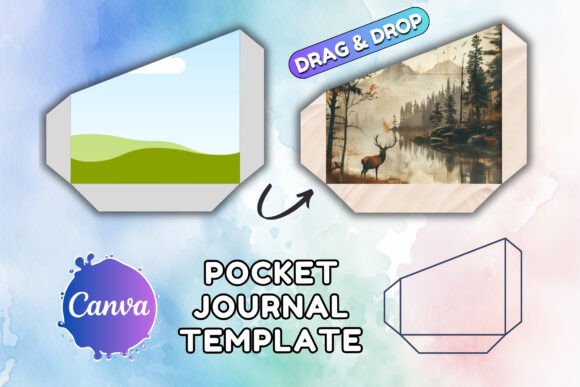
The process is straightforward. After downloading your files, you open the template in your chosen program. In Canva, you simply drag your artwork, patterns, or text onto the template layer. The guides show you the safe zone for critical elements and the bleed area that will wrap around the edges. Once designed, you export the file as a high-resolution PNG or PDF. For sublimation printing, you print this design onto sublimation paper using special ink, then use a heat press to transfer the image onto a compatible blank phone case. The template's dimensions ensure a perfect fit, avoiding the frustration of a misaligned or poorly cropped final product.
Choosing Your Tools and Ensuring a Professional Finish
While the template provides the structure, your choice of design elements determines the final product's appeal. This is where your skills in visual hierarchy and font pairing come into play. A case designed for a fashion blogger might use a bold, modern display font paired with a clean sans serif font for contact details. A template for a wedding photographer could leverage an elegant script font for names and a classic serif font for the date. The template itself is neutral; it's the canvas upon which you apply your modern typography and graphic design principles to create something with personality and style.
When evaluating a template, consider the provider's terms of use. A license that permits you to create and sell physical products is essential for commercial use. This is a standard and fair practice, as you're purchasing the right to use the design framework, not to resell the digital file itself. Always ensure the template's measurements match the specific blank cases you intend to purchase from your supplier. A quick test print on paper before committing to sublimation can save time and materials. Ultimately, the right iPhone Case Canva Template acts as a silent partner in your creative workflow, handling the technical precision so you can deliver a polished, market-ready product with confidence.